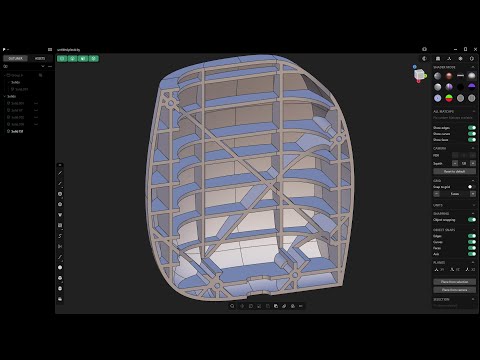
Beginner's Guide To 3D Modeling In Plasticity
Learn the basics through this step-by-step tutorial.

Nick Kallen's Plasticity has been around for quite some time, steadily evolving with new features, upgrades, and a growing community of fans. If you've been meaning to try it, a new beginner-friendly tutorial offers a great introduction, walking you through the software's core tools while guiding you through modeling an object.
Plasticity is 3D modeling software often pitched as "CAD for artists." Since it focuses on creating precise 3D forms, it's particularly suited to industrial design, product design, and hard-surface modeling. If you're interested in seeing what Plasticity can do, we've spoken with several artists who use the software in their work: Maksym Danko, Yuichiro Fujita, Maxim Buyanov, Dylan Mellott, Ramiz Asadullaiev, Yulong Huang, Alex Smirnov, and others.
It'd be great to see more official Plasticity guides in the future. In the meantime, you can check out the tutorials by Alexei Kolb: