How I read books offline on my iPad
I'll be upfront: an iPad isn't always the best e-reader. Even an iPad mini is going to be heavier than most Kindle or Boox tablets, and whereas an e-ink device can potentially go weeks between charges, no iPad is going to survive more than 10 hours of active reading. Apple seems fine with this, partly because it would take a monumental effort to displace Amazon in the book market.
That said, iPads excel at anything with color imagery, and much like cameras, the best e-reader is the one you have with you. That's why I'm more likely to read on my 2020 iPad Pro. It might be cumbersome, but it means I can start reading without having to go fetch a single-purpose device.
The tools of the trade
Preferred reading apps and more
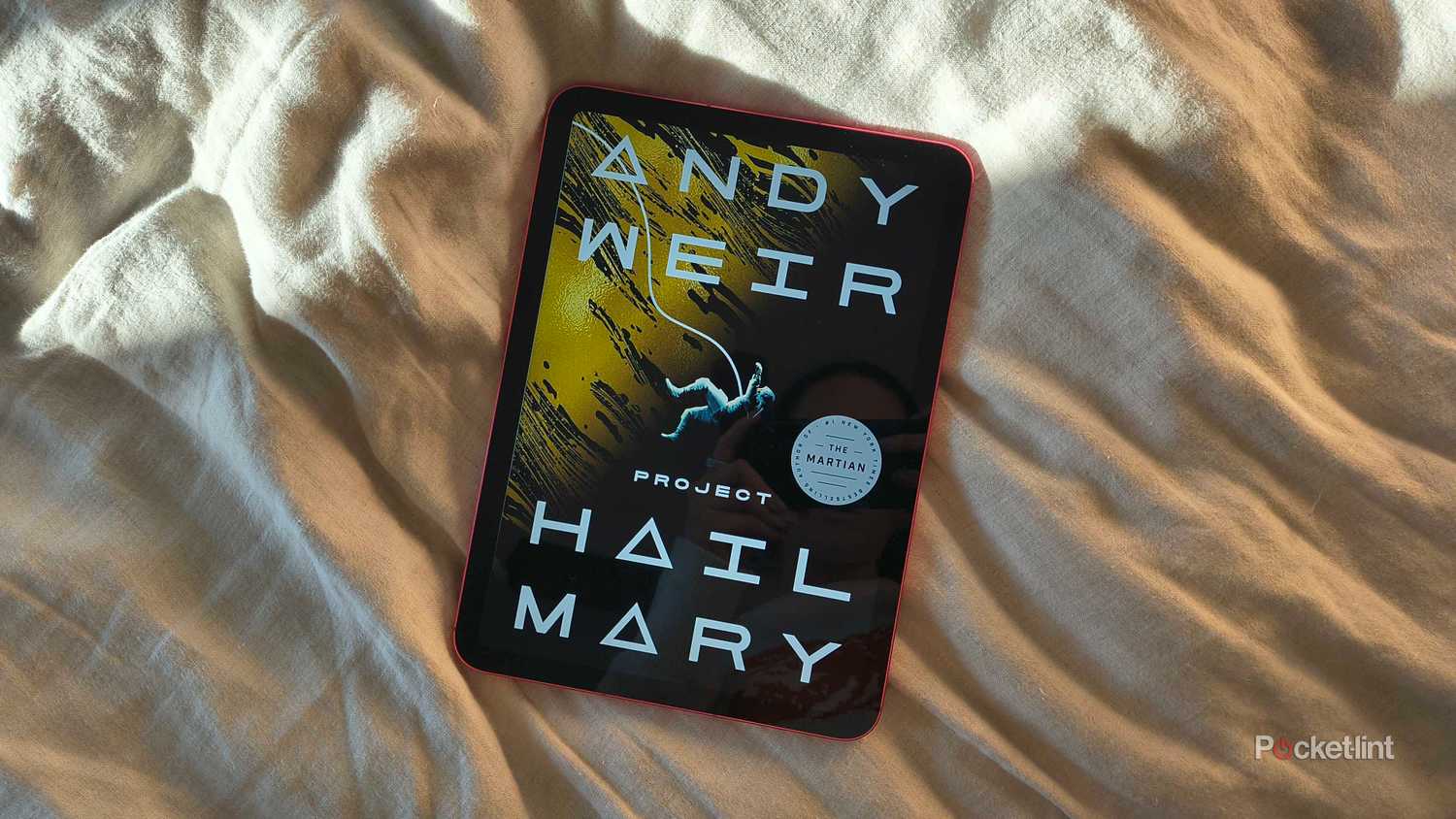
Out of necessity, my preferred app for offline reading is Kindle. There are viable alternatives, but because I started building my e-book collection on a Kindle Paperwhite, relying on another app would mean surrendering access to my library. Also, if you want access to every title imaginable on every platform you care about, the Kindle Store is the safest bet.
There aren't many drawbacks to Kindle on an iPad, since it makes it as easy to navigate books and change their appearance as you could ask for. Your progress syncs whenever you're online. The one big problem is the App Store -- because Apple would claim a sizable chunk of revenue from direct book sales, Amazon forces you to shop on other devices. If I'm planning to read something during a trip, it's vital that I buy it on the web at home, and ideally, trigger downloads on my iPad before I head out the door. Not that books would take a long time to download over hotel Wi-Fi.
Apple Books solves that problem, and in fact I wish I could justify reading with it more often. It's probably the most aesthetically appealing option in terms of how books look and animate. Apple has yet to release the app for Android or Windows, though, presumably because that would involve splitting money with Google and Microsoft. Since it hasn't, I'm hesitant to put any money into Apple's store, since it would be terrible if I could no longer read my purchased books just because I decided I wanted a Galaxy Tab one day. I mostly reserve the app for looking at PDFs or free downloads.
Ultimately, even those two apps aren't enough. I find that for comic books and graphic novels, it's better to go elsewhere. My own choice is Google Play Books, which offers a healthy selection by well-known authors like Alan Moore and Junji Ito. As with Kindle, you can't buy anything directly -- but on the web, Google's search system and thumbnails make it far easier to browse collections, and there are free samples aplenty.
I'd be remiss if I didn't mention library books. Apps like Libby let you check out titles from local branches for free. And if you take advantage of services like Project Gutenberg, you don't need a library card -- just a way of syncing files with your iPad. The Kindle app has the Sync to Kindle service. Personally, I prefer copying PDFs and (unprotected) EPUB files to iCloud Drive, then using the icon to open them in Apple Books via the Files app.
Which iPad is best for reading?
A very quick primer
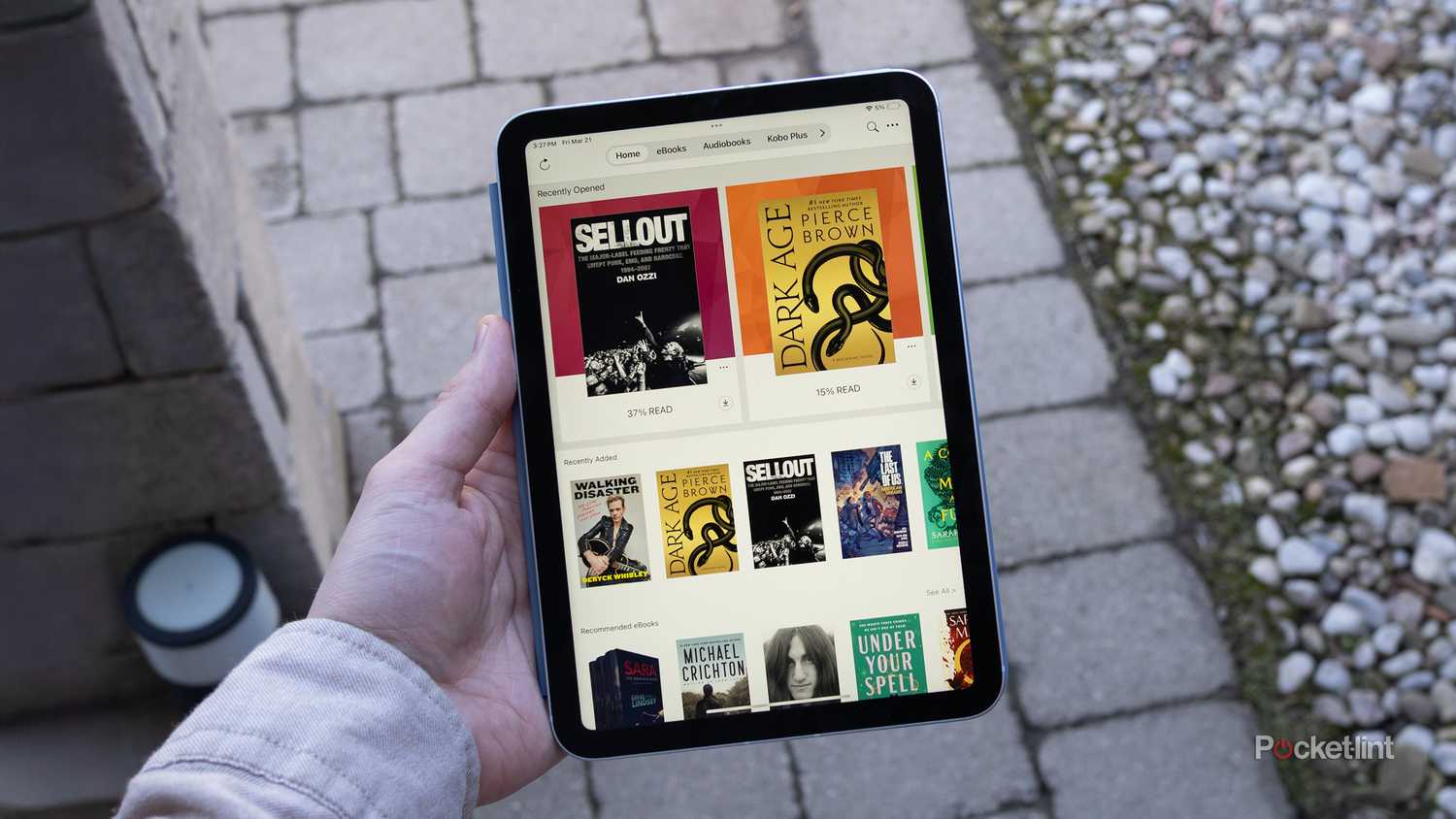
If your primary interest is reading, the answer is automatically an iPad mini. Anything larger is not only going to be substantially heavier than an e-ink reader, but huge. After a while, you may feel less inclined to read if it involves holding up an 11-inch screen with both hands, and struggling to jam it into a bag when you travel.
The question only becomes complicated if you want a multipurpose tablet. Most people should stick with the base 11-inch iPad, which is plenty capable for tasks like email, video, and gaming. If you want a true laptop replacement, you should probably skip straight to a 13-inch Air or Pro. Preferably the latter, at least until Apple brings USB 4/Thunderbolt and 120Hz displays to the Air.