Speed Up 3D Character Posing With This Blender Tool
New Blender Add-On Makes Character Posing Much Easier
With Marionette, you pose a character by dragging a hand, a foot, or the hips, and the whole body follows.
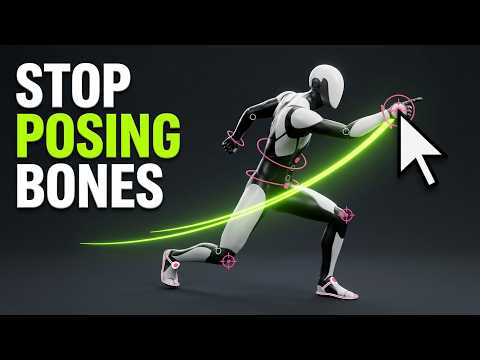
Posing a character in Blender often means tweaking bones one by one. Marionette simplifies the process, so you can drag a hand, foot, or hip, and the rest of the body moves naturally to follow. Launched by Animatica, co-founded by Matt Tokarz, ex-Head of CG at Platige Image, Marionette began as a set of posing handles in a free add-on and has since evolved into a tool for blocking and polishing character animation.
It runs entirely offline in Blender, and supports humanoid rigs from Mixamo, Character Creator, Daz 3D, VRoid, the UE5 mannequin, and 3ds Max Biped without requiring you to rename bones. No account needed, no GPU required, and everything you create stays yours. Marionette writes standard FK keyframes directly to your existing rig, without adding anything to it, and you can undo any edit. It also doesn't generate animation: you create the poses, and the tool solves the rest of the body's movement around them.

You can refine animations by reshaping motion trails, painting over a trail to smooth the motion, or quickly detecting and fixing foot sliding and popping joints. Marionette lets you pose fingers with presets, but it doesn't support facial expressions.
The tool is compatible with Blender 5.0 and later and is available as a one-time purchase. Learn more about Marionette here and read Animatica's public statement on the data used to train its models.