How to Create Realistic Waterfall VFX in Houdini: Tutorial & HIP Files
Arbaz Malik shared a detailed explanation and shared project files to fully explore the setup.
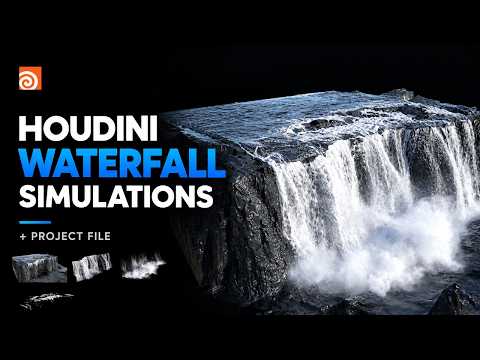
FX Artist Arbaz Malik showcased how he created realistic waterfall visual effects in Houdini, explaining his steps in a video breakdown and sharing Houdini HIP files.
For the project, Malik combined five simulation layers to add depth and atmosphere, each playing its own role in creating a lifelike and cinematic look. The main water simulation serves as the waterfall base. Splashes and turbulence are added through whitewater simulation. Additional whitewater sim enhances the surface details. The artist also added two mist layers, upper and lower, to create atmospheric depth and add volume and realism.
Watch the full breakdown below:
Project files are available on the artist's Gumroad. The files include complete setups for all FX layers, a full Solaris setup for shading and rendering with Karma, and layout and environment.