New PlayStation Portal Update Just Made a Very Helpful Improvement to the Handheld
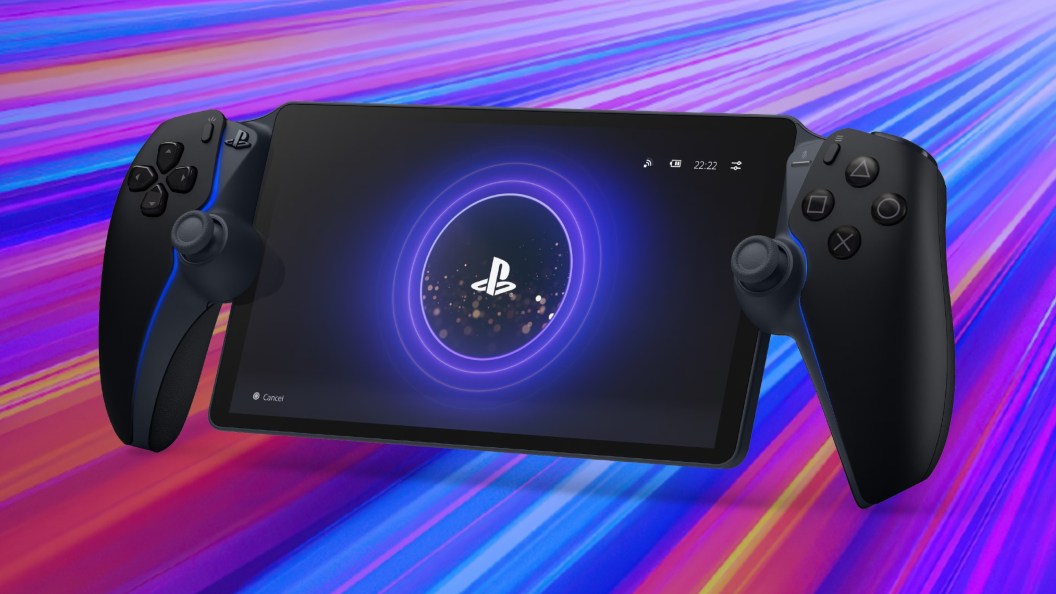
A new update to the PlayStation Portal has been released this week and it makes one of the best improvements yet to the device. Since hitting the scene back in 2023, PlayStation has continued to push out new firmware updates for the PS Portal at a steady rate. Some of these patches have drastically overhauled the hardware and have brought about new features, while others have been smaller and have just made it more stable. Now, another update for the PS Portal has been let loose that fits somewhere in the middle of these two extremes.
Downloadable now, update version 7.17 for the PlayStation Portal primarily centers around the handheld’s battery. Specifically, PlayStation has made it so that the PS Portal changes the way that it charges in order to make its battery life better over a long span of time. Rather than charging to 100% by default, this patch makes it so that the new charging limit is 80%. While this might seem like a peculiar move, PlayStation says that it will allow the PS Portal’s battery to be more stable and perform better when not maxing out. Those who don’t want this feature on, however, have the ability to toggle it off in the settings menu.
Outside of this quality-of-life tweak to the PlayStation Portal, not much else has been done with this patch. Per usual, PlayStation has improved the performance and stability of the Portal, while also upgrading its “usability” in unnamed ways. Moving forward, more updates like this for the PS Portal will unquestionably continue to roll out, but it remains to be seen just how extensive they’ll be.
Until that time, to get a look at everything in full detail that this new PlayStation Portal update has done, you can find the patch notes in their entirety courtesy of Sony below.
PlayStation Portal Update Version 7.1.7 Patch Notes

- This update introduces changes to how your PS Portal charges in order to support the long-term battery health of your device. After updating, your device will charge to 80% by default. You can change the charge limit at any time in Settings > System > Battery.
- Selecting a charge limit over 80% might impact battery performance and overall stability, reducing long-term battery health.
- Make sure to update your PlayStation Link device to the latest device software version to connect to PlayStation Portal.
- To update your PlayStation Link device, connect it to a PS5 or PC using its PlayStation Link USB adapter.
- We’ve improved system software performance and stability.
- We’ve improved the messages and usability on some screens.