4 iPad apps that make my photos look like they were taken by a pro
In my stint as a pro photographer, and later on doing my own product photos for journalism, one lesson I learned the hard way is that it's always preferable to shoot a perfect photo in-camera than edit one into existence. That might sound obvious, but in the digital era, it's often tempting to take a shot that's merely okay, knowing a lot of problems can be fixed later. That illusion collapses once you have to spend hours fixing the dust and bad lighting from your latest photoshoot.
Adopting this philosophy can be especially important if you're going to edit images on an iPad. While there are advantages to tablets for photography -- namely portability, and the precision of a stylus -- the software tools available are comparatively limited. Here's what I'd recommend, starting from entry-level options and escalating to ones you should only pull out for professional work.
The Apple Photos app
More powerful than you might think

Some of you might consider it cheating to include the Photos app. If you're editing a handful of images, however, and there aren't any major flaws or commercial requirements involved, Photos can handle many common edits without forcing you to use something more complicated. You can, for instance, adjust highlights, shadows, saturation, and color temperature, as well as perform basic cropping and object removal.
Apple is doubling down on AI editing in iPadOS 27, as long as you have an iPad compatible with Apple Intelligence. Clean Up, for example, will be better able to reconstruct backgrounds. You'll also be able to extend your backgrounds for photos shot in the wrong aspect ratio, or even reframe your angle on a subject. This does of course raise concerns about authenticity -- so you may want to hold off using these additions unless it's absolutely necessary.
Pixelmator
The best step up for most people
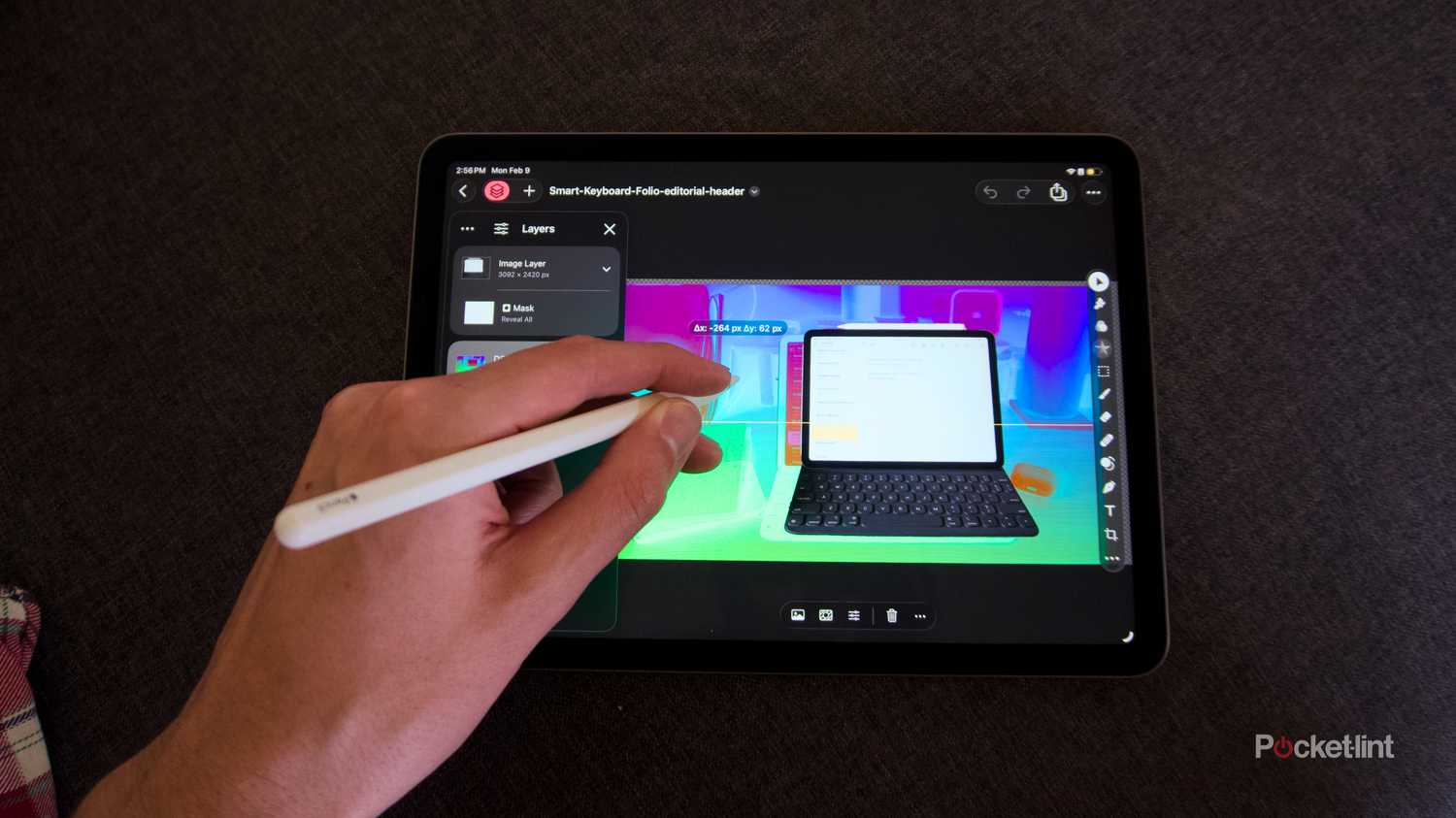
Apple now owns Pixelmator, and it's understandable why. The Pro version gives it an image editing suite it can bundle with a Apple Creator Studio subscription, and Classic is a cheap one-time purchase for everyone else. The only thing you lose in Classic is access to the Warp Tool.
I'm not going to mince words here -- the main reason to use Pixelmator is to gain most of the features of Adobe Photoshop without paying for an expensive Creative Cloud plan. Like Photoshop, the app uses a layer-based system, and provides a large assortment of tools not just for photo editing, but original graphics and illustration. You can even import PSD files, and export your finished edits at extremely high quality. Just doublecheck Apple's RAW compatibility if you shoot in that format with a pro camera.
Adobe Lightroom
When duty calls
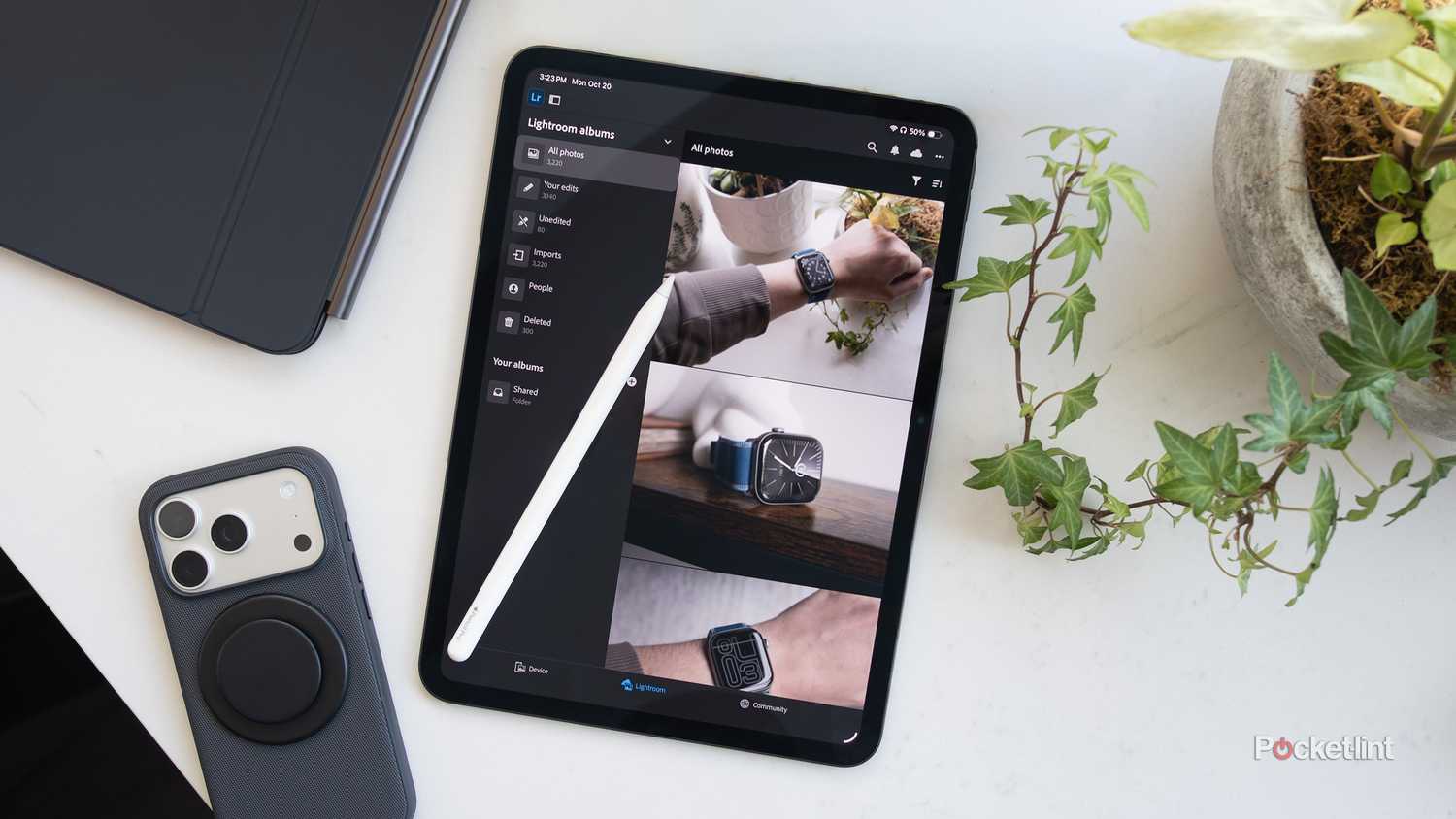
Lightroom isn't quite as powerful as Pixelmator, but it doesn't have to be. Its true purpose is batch editing, which can save you hundreds of hours once you step up to the professional level. When I was a pro, my bread and butter was weddings, and just a single event had dozens or hundreds of shots to process. If you have a particular style -- or know that a group of shots needs identical corrections -- there's no sense recreating basic edits image-by-image. You might still need another editing app, but only for the most intense work.
The big catch here is Creative Cloud. Adobe's Lightroom-only plan is $12 per month, amounting to nearly $150 per year, which is a lot to stomach for a single app even with 1TB of storage. That's probably not worth it unless you can write it off on taxes, or you're a very serious hobbyist.
Adobe Photoshop
Bringing out the big guns

If you're not already paying for a Creative Cloud subscription, I'd strongly suggest trying Pixelmator first. As I said, it can accomplish many of the same tasks, and it's even interoperable with PSD files. For work, your clients (or boss) probably won't be able to tell the difference. It's illogical to pay $20 every month for Adobe's Photography plan when a $10 app can get the job done just as well.
There are reasons to cave and use Photoshop, however. For one, that Photography plan includes 1TB of storage plus Lightroom. You may also be signed up for Creative Cloud Pro already, or simply be expected to use Photoshop because it's mandatory at your workplace. You can also carry projects over to Windows PCs just as well as Macs, whereas Pixelmator is exclusive to Apple devices.
On top of everything else, Adobe offers the most advanced AI tools, and has succeeded in making Photoshop an industry standard. If you aren't a successful independent photographer, it behooves you to get used to the app for the sake of your career.