PS5 rolls out system update with 3 new features all gamers can make use of
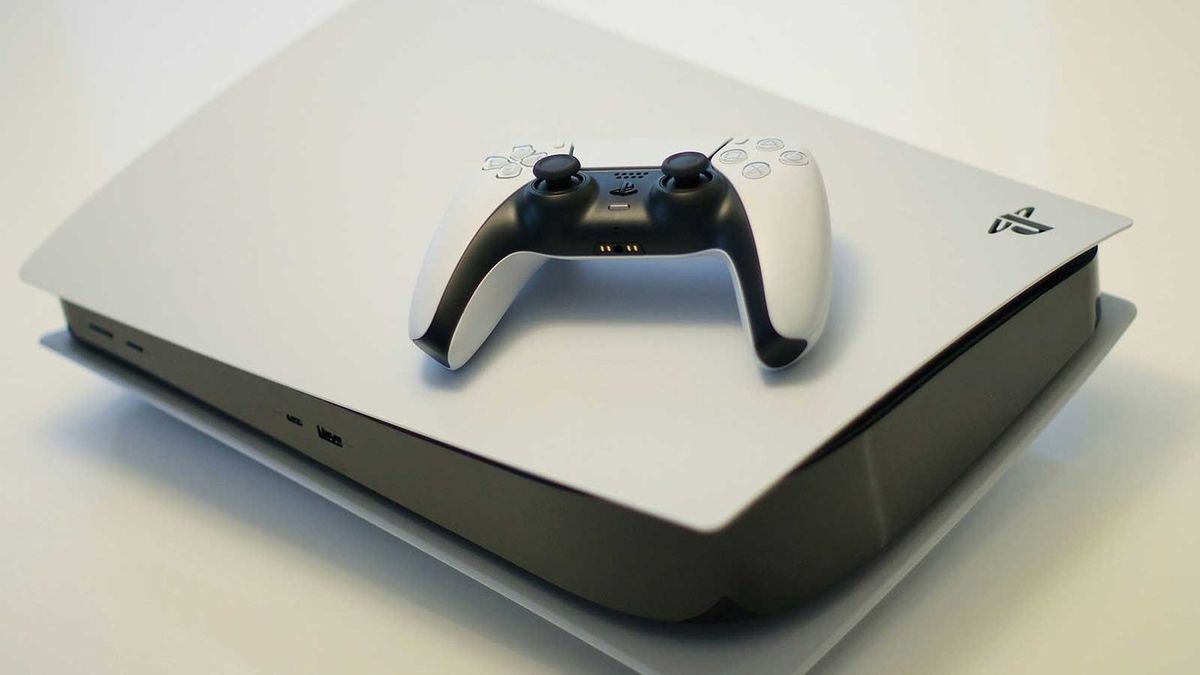
Having already undergone beta testing, PlayStation 5 has now pushed out its latest update to all users.
It’s Version 26.06-14.00.00 that you’ll need to download on your console.
If you keep your console in Rest Mode, the update will likely already have been installed. If you don’t, it should automatically begin to download when you next load your PS5 up.
While the update does feature a prominent PlayStation 5 Pro upgrade, so too does it boast three additional features that all PS5 users can make use of.
Enjoy improvements to the PlayStation 5’s Voice Chat and the Welcome Hub
Version 26.06-14.00.00 introduces the ability to see who’s speaking when you’re making use of Voice Chat.
To see the speaker indicator, you’ll need to go to the voice chat widget in the control centre.
There, select ‘More’, followed by ‘Display Who’s Speaking ’, and turn on ‘Display Names’.
You can also use ‘Position’ to edit where the speaker indicator appears on your screen.
As for what’s new in the Welcome Hub, a new ‘Community Activity’ widget has been added.
There are two views you can make use of. ‘Trending Now’ will display 10 multiplayer games or modes that are currently, well, trending.
The idea is that you might be lured into checking out a new title, or drawn back to a former play that’s been updated with new content.
Alternatively, you can opt to display ‘Top 10 ’, which, unsurprisingly, displays the most popular games in your region within the last week.
Really, this is all just marketing, as I’m sure the hope is that you’ll want to head to the PlayStation Store to make a purchase based on these widgets.
Still, some PS5 users might just get a kick out of seeing what people are playing and whether your latest obsession is resonating with the masses.
Finally, there’s a new setting that allows you to turn off Bluetooth.
Select ‘Settings’, ‘Accessories’, ‘General’, and ‘Advanced Settings’, before selecting ‘Turn Off Bluetooth’.
Rest Mode will not work with this setting switched off, nor will the HDMI Device Link. The idea is that it’ll help manage controller connections at esports venues or other busy locations.
PlayStation recommends not using this feature for any other purpose.
Of course, there are the usual stability upgrades too.
PlayStation 5 Pro users may also notice improved graphics
One of the PlayStation 5 Pro’s biggest selling points is PSSR, PlayStation’s automatic upscaling technology.
As of Version 26.06-14.00.00, ‘Enhance PSSR Image Quality’ is now automatically toggled on, which is the latest version of the PSSR technology.
That means that while the console’s capabilities haven’t improved within this update, you are now, by default, going to see the best possible graphics; you might’ve had the setting set to off before.
If you do, for whatever reason, want to turn the setting off, you can do that by selecting ‘Settings’, ‘Screen and Video’, ‘Video Output’, and finally ‘Enhance PSSR Image Quality’.